
Posts by Forge Team
The Real Cost of Product Development

Case study on engineering the fastest spincast reel in the world for ProFISHiency, combining innovative gear train design, compact packaging, and production-ready engineering to deliver a high-performance product that stands out in a competitive market.
Read MoreCase Study: ProFISHency Sniper Spincast Reel
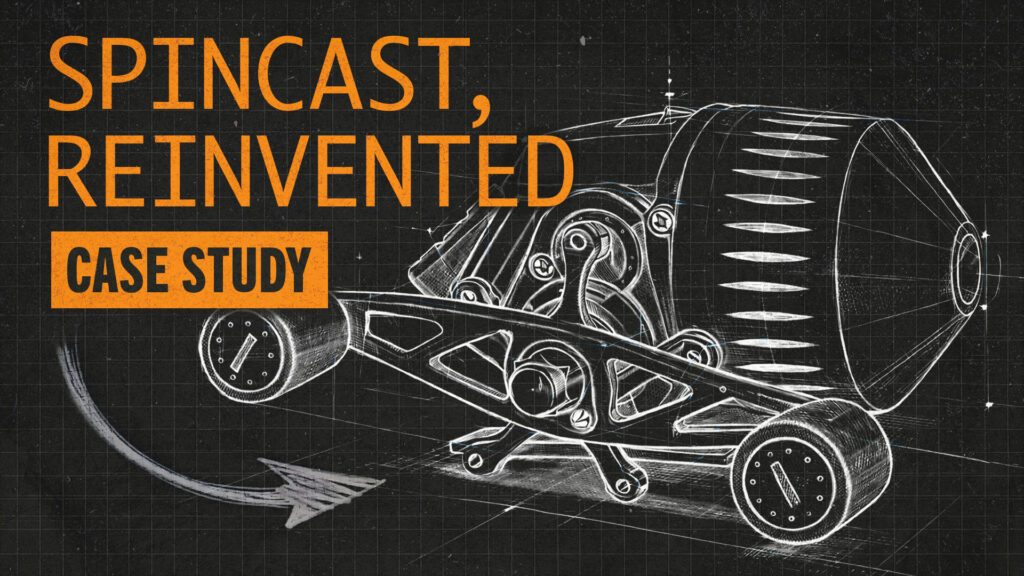
Case study on engineering the fastest spincast reel in the world for ProFISHiency, combining innovative gear train design, compact packaging, and production-ready engineering to deliver a high-performance product that stands out in a competitive market.
Read MoreDesign for Manufacturing in Machining: How Smart Engineering Reduces Cost, Lead Time, and Risk
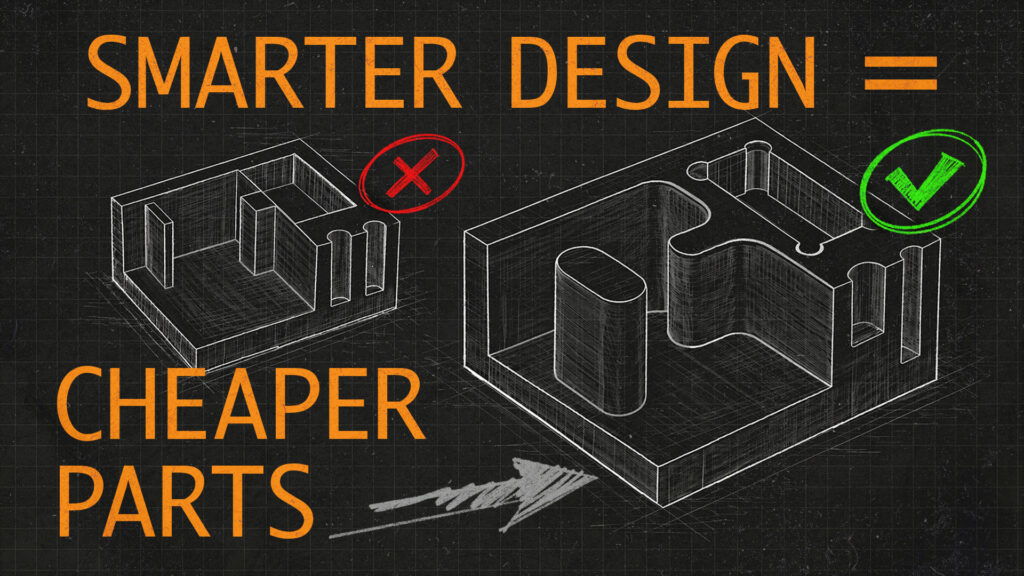
Design for Manufacturing (DFM) is a critical skill to have when developing products. Here is a short list of best practices when it comes to design for machined parts.
Read MoreHow to Align Empty Mesh Files in SolidWorks
Learn how to orient empty geometry files (graphics bodies, scans, .obj, .stl, .3mf) to the base coordinate system within SolidWorks. These workarounds help solve the “…geometry is not valid for this type of save operation” error some subscribers were getting following our previous “Perfectly Aligned .stl’s” video.
Read MoreHow To Use SolidWork’s Split Feature to Easily Separate a Solid Body Within a Part File
In this tutorial, we will show you how to use the split command in SolidWorks to separate a single solid body into multiple bodies. This powerful tool allows you to divide a complex shape into smaller, more manageable parts, making it easier to work with and edit. By the end, you will have a good understanding of how to use the split command to effectively divide your models.
Read MoreHOW TO ALIGN .STL FILES IN SOLIDWORKS

“How do you orient new .stl files within Solidworks?” Today we tackle this highly requested question from our previous “working with .stls” video.
Read MoreTOP DOWN MODELING WITH SKELETON SKETCHES IN SOLIDWORKS
Skeleton sketch top down modeling is a very robust and light weight method when trying to design complex components within SolidWorks. Today we walk through the basics of this technique and talk about some of the benefits and tips for its use.
Read MoreWeird Faces: A beginner’s guide to surface modeling in SolidWorks
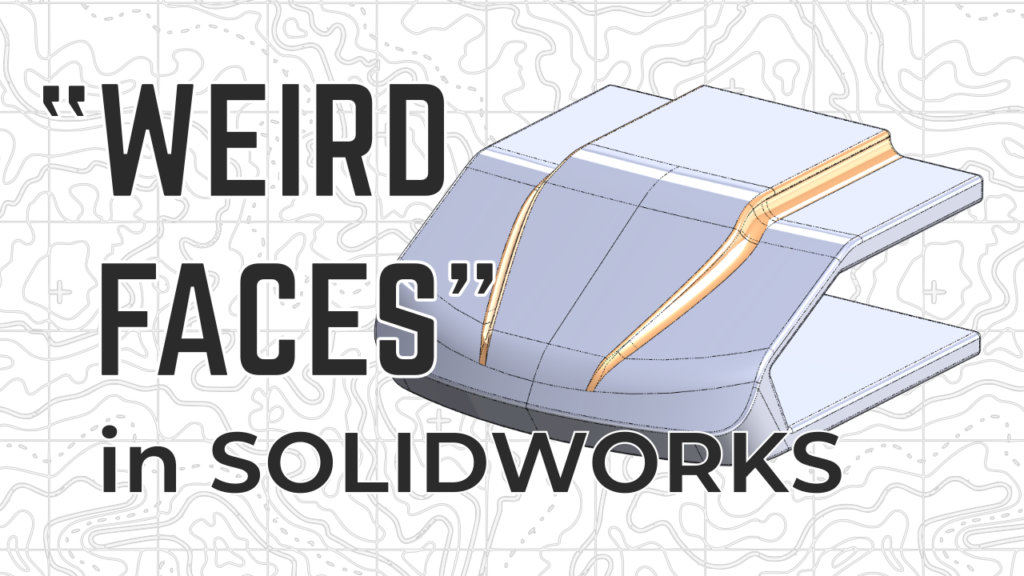
Today’s video is inspired by a redditor’s struggle with “weird faces”. Watch how we work through a basic surface model within SolidWorks.
Read MoreQ&A with Met2 Design Competition Students Pt.3

Here is the third and final part of our recent talk with a group of students competing in the national Met2 Engineering Competition. This segment includes a variety of tips for working within SolidWorks.
Read MoreQ&A with Met2 Design Competition Students Pt.2

Here is part two of our recent talk with a group of students competing in the national Met2 Engineering Competition. This segment includes a variety of tips for working within SolidWorks.
Read More